

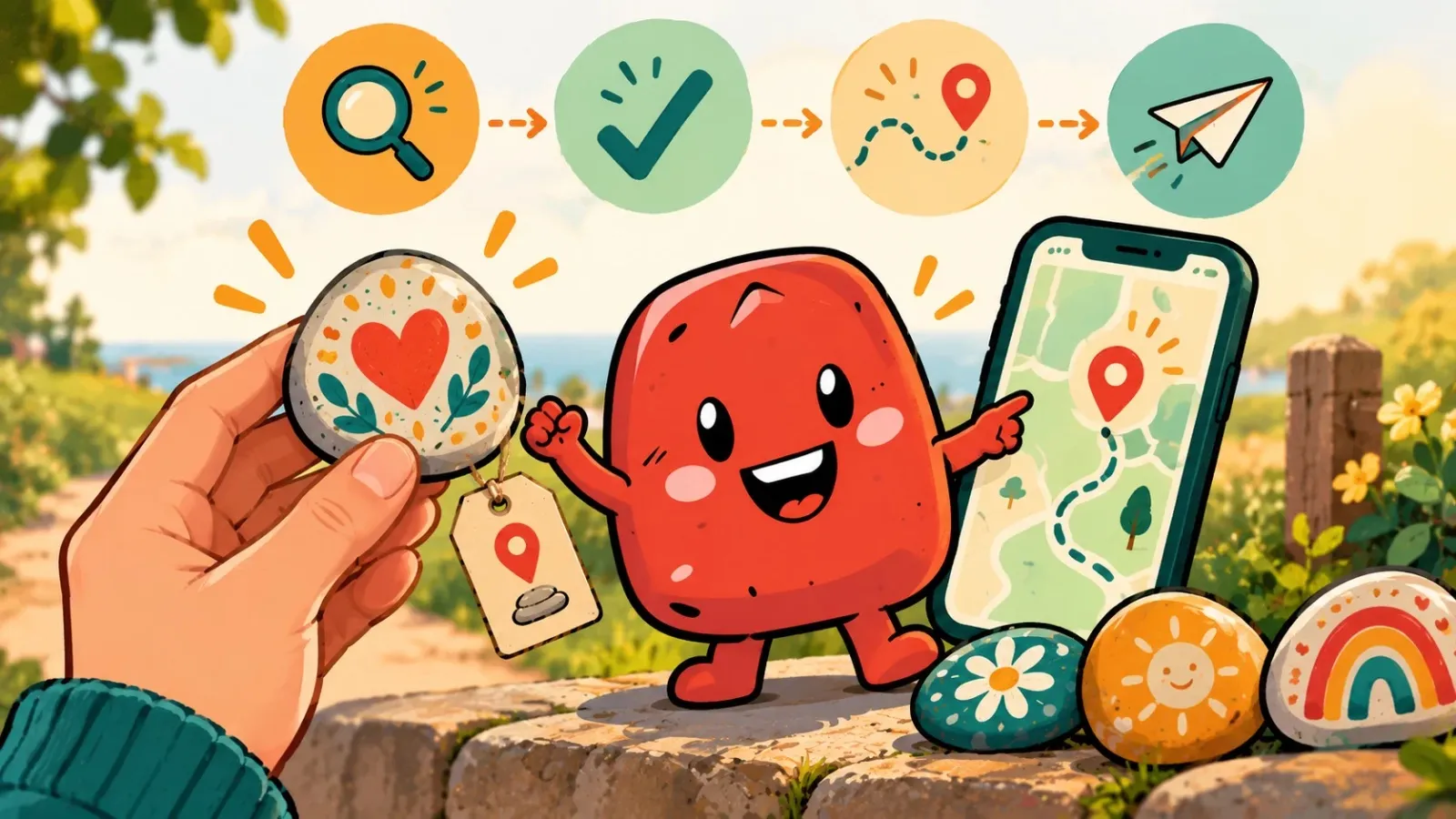
Found a painted stone with a code on it? Lovely! Someone made it with care and was hoping you would find it. In a few minutes you will know its whole story, let people know the stone is still alive and send it off on its travels again.
Step 1: find the ID on the stone
The code is usually on the bottom, sometimes small next to the picture. It is a short string of letters and numbers, such as 7F2K. Watch out for capitals and lower case, because they make a difference. Often “happystone.id” is written next to it, so you know where to go.
Step 2: see where it came from
Open happystone.id or the app, go to the map and type the ID into the search bar. You will see the stone straight away, with its name, a photo and the place where it started. Its travel page shows every earlier stop, with the distance in between. Some stones have already seen a few countries before they reach you.
Step 3: create a free account
To report the find you need an account. It is free and quick to set up: a name, an email address and a password, nothing more. With that account you can also see later where the stone goes after you, and register stones yourself if you get a taste for it.
Step 4: report the find
Open the stone, tap “I found it!” and then “Report the find”. Ideally do it where you found it: the app checks whether you are within 50 metres of its spot. Already home? Then type in the ID, because with the stone in your hands the app knows you really have it. Whoever had it last, the maker or the previous finder, hears about it right away, and your find appears on the travel page.
Reporting is the only thing that really matters. For whoever sent the stone on its way, your report is often the best moment of the whole game.
Step 5: keep it or send it on
You are allowed to keep the stone. But the best thing is to take it with you and leave it somewhere else: at your holiday spot, near your work or in another town. Tap “Place stone”, give the spot a name and maybe a hint for the next finder. That way its journey grows, and you get a notification when someone finds it after you.
No code on the stone?
Then it was sent out without an ID, or the code has faded after a few showers. Just enjoy it and put it back, or leave it somewhere new. Want the next stone to get a story? Make one yourself and register it.
Searching, but it is not there any more?
Walked to a stone using the map and found nothing? Have another look around, because stones sometimes get moved. If it is really gone, tap “It isn't there anymore” and then “Report as missing”. Whoever had it last gets a message and the status changes to “Lost”. If it turns up later after all, it simply carries on travelling.